QuickQ: cross-platform connection optimisation
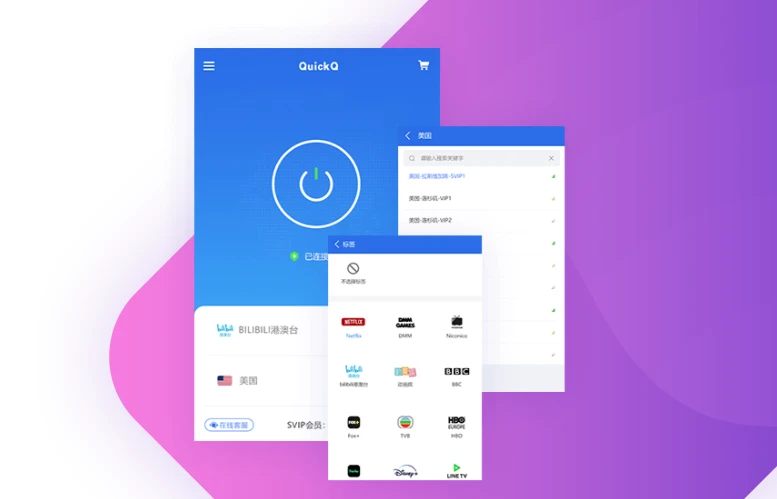
QuickQ folds route selection, encrypted transport and multi-device management into a single client for Windows, macOS, iOS, Android, Linux and common routers.
After sign-in the client measures your network and recommends a usable link, with 256-bit AES protecting the tunnel. One account keeps five devices online, and a first subscription can be refunded within 30 days.
Get the client Compare plansNodes across the major regions
The client prefers a nearby link for your network so traffic avoids unnecessary detours
Less waiting on high-bitrate video
Routing tuned for long viewing sessions
Jitter and packet loss are sampled continuously, and the client moves to a spare path when quality slips, so buffering and quality drops are rarer.
Get the clientWhat a subscription includes
- Unmetered everyday usage, no per-gigabyte billing
- Five devices online on one account
- More than 9,000 entry nodes, switch any time
- Round-the-clock human support by chat or ticket
- Refund window of 30 days on a first subscription
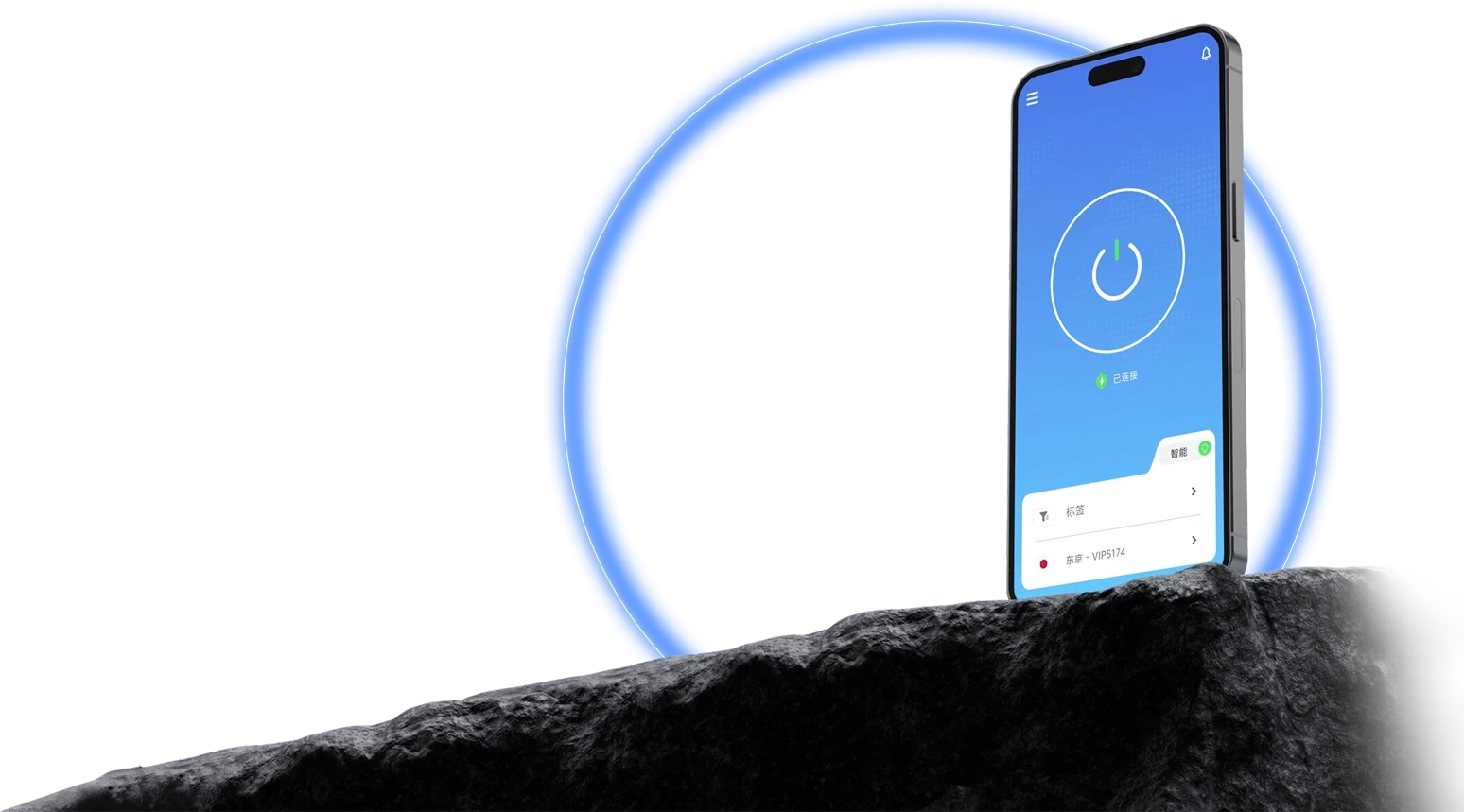
Where latency matters most
Fewer routing hops and less queueing keep the latency curve flat
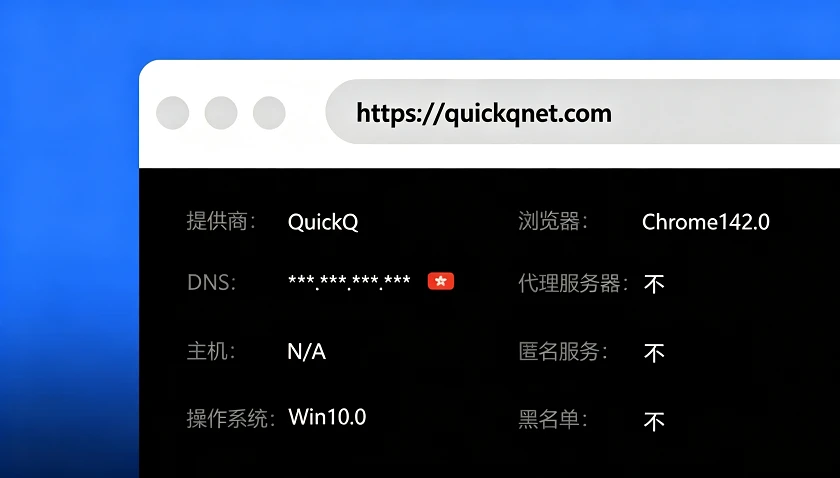
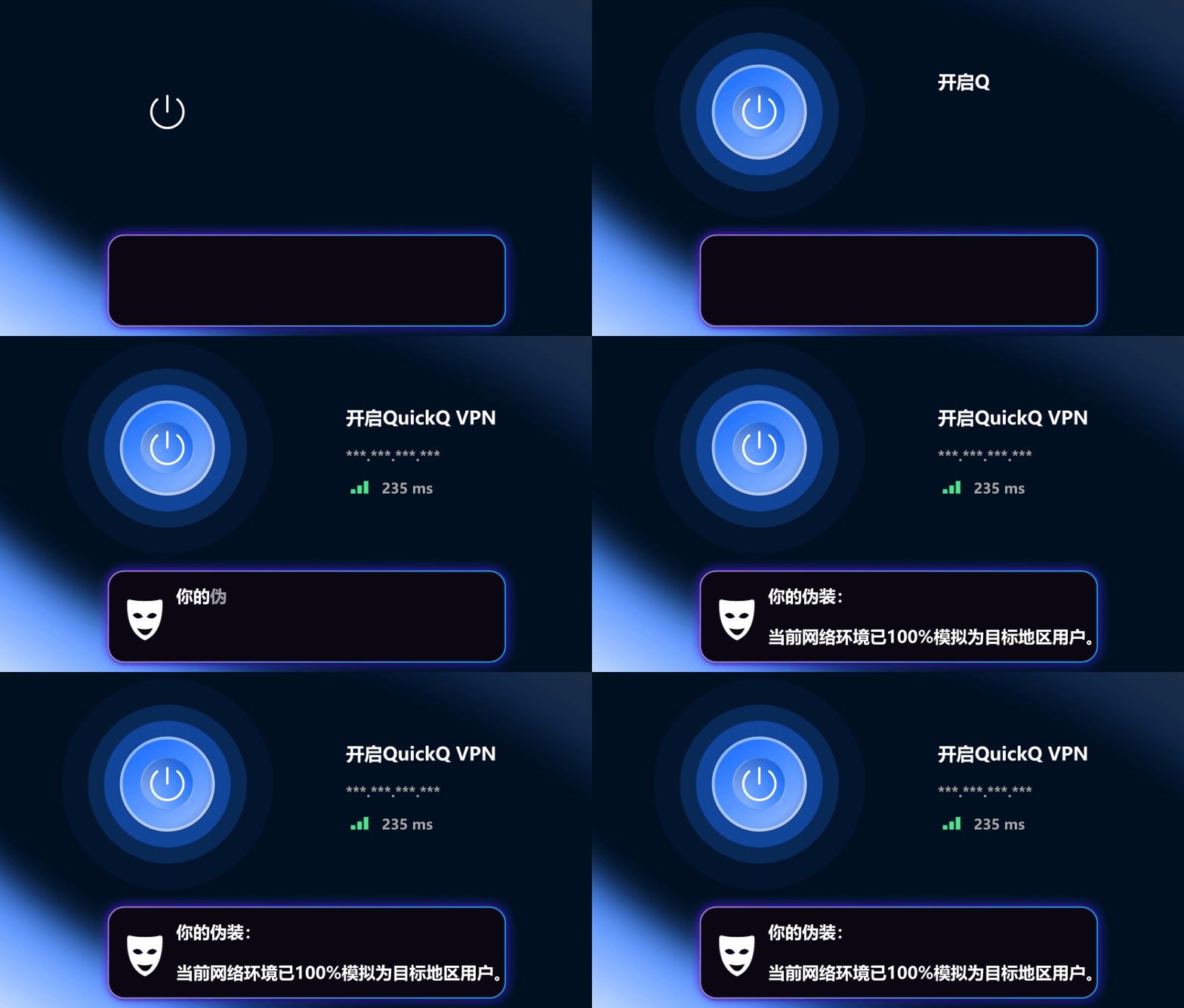
Six things worth knowing
Encrypted transport
256-bit AES with keys rotated regularly
Human support
Installation and account help, 24 hours a day
Node footprint
Over 9,000 entry points in the major regions
Consistent apps
Desktop, mobile, tablet and router in step
Automatic routing
Connect on open, no manual parameters
Minimal retention
No destination logs, no data resale
How QuickQ works
On start-up the client probes several nearby nodes, records round-trip time, jitter and loss, then weighs those against your device type to recommend a link. All of that happens in the background; what you see is a single connect button.
Once the tunnel is up it runs over a multiplexed transport, so a wobbling path can be swapped without dropping the session. Video calls and long downloads therefore break less often. Data is encrypted before it leaves the device, and keys stay between your device and the entry node.
Authorisation is per device, and you can review or revoke sign-ins from the client. To cover a whole household, write the configuration into a supported router so TV boxes and consoles share the same link. Step-by-step instructions live in the download centre.
Six common ways people use it
Find your goal in the table below for a suggested setup and who it suits.
| Goal | Suggested setup | What changes | Who it suits |
|---|---|---|---|
| Video and streaming | Playback-first link, auto switching on | Faster start, fewer quality drops | Film and live viewers |
| Competitive gaming | Low-jitter link, background sync off | In-region latency around 40-60 ms | Console and PC players |
| Remote collaboration | Work-first link, client always on | Fewer dropped calls and sync failures | Distributed teams |
| Online courses | Stability-first link plus wired network | Smoother live lessons | Students abroad |
| Cross-border business | Fixed exit, avoid frequent switching | Fewer repeated logins and checks | Sellers and operators |
| Code and APIs | Developer link, long connections allowed | Noticeably fewer timeouts | Engineers and testers |
Six features inside the client
Everything works after installation; no configuration files required.
One-tap connect
The home screen is a single switch. After probing, the client joins the highest-scoring node, which suits anyone who would rather not read settings.
For: everyday browsingLink scoring
The node list shows live latency and load. Pin a route manually, or leave the choice to automatic scheduling.
For: cross-region accessDevice management
Review the five signed-in devices from the account page and sign any of them out remotely, so changing hardware needs no support ticket.
For: multi-device homesSession continuity
When quality dips, the path migrates in the background, so meetings and downloads do not restart.
For: calls and classesEncryption and split routing
Beyond 256-bit AES you can list apps or domains that stay direct, which keeps banking sites from flagging an unfamiliar location.
For: public networksSelf-diagnostics
A built-in connectivity test exports a report you can attach to a ticket. Before that, the FAQ covers most cases.
For: troubleshootingAccepted payment methods
Any of the following can be chosen at checkout
Ranked matches used to spike past 200 ms out of nowhere. Most evenings now sit around 50 ms, which makes team fights far more predictable.

Quality dropping to SD mid-episode was my main annoyance. Playback starts faster now and I rarely see a buffer ring.

Our team sits in three time zones and meetings kept failing. Reconnects dropped noticeably once everyone moved to QuickQ.

I sign into several overseas dashboards daily and kept being asked to verify again. A fixed exit basically ended that.

Pulling code and testing APIs is my day job, and timeouts break concentration. Long connections hold up now.

Live classes plus shared slides used to stall whenever the line wobbled. Far fewer dropouts since installing the client.

Ranked matches used to spike past 200 ms out of nowhere. Most evenings now sit around 50 ms, which makes team fights far more predictable.
Quality dropping to SD mid-episode was my main annoyance. Playback starts faster now and I rarely see a buffer ring.
Our team sits in three time zones and meetings kept failing. Reconnects dropped noticeably once everyone moved to QuickQ.
I sign into several overseas dashboards daily and kept being asked to verify again. A fixed exit basically ended that.
Pulling code and testing APIs is my day job, and timeouts break concentration. Long connections hold up now.
Live classes plus shared slides used to stall whenever the line wobbled. Far fewer dropouts since installing the client.
Pages worth reading first
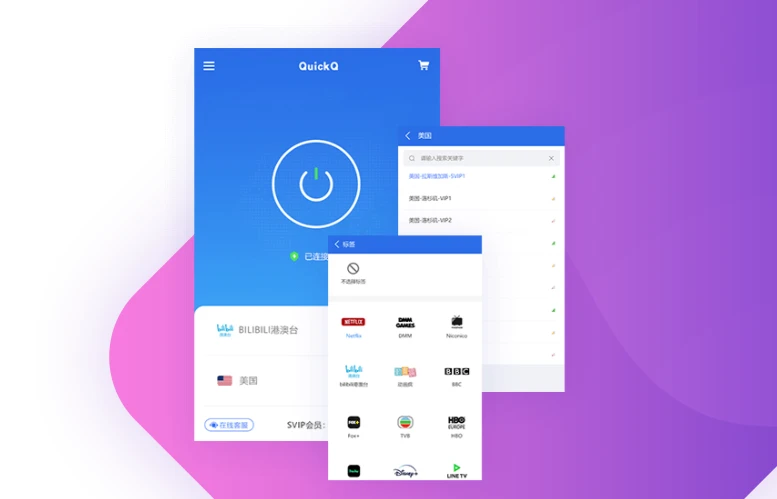
Download centre: pick an installer
Installers for desktop, mobile and routers, with system requirements, install steps and checksums.
Plans: monthly, annual and team
Prices, included devices and refund conditions for all three tiers, plus how upgrades are prorated.
More devices: routers, TVs, consoles
How hardware without a client joins through a router or shared network, with a compatibility list.
FAQ: install, connect, account
Sixteen questions grouped by topic, from failed installs through to refund requests.
Licensing built for teams
Choose QuickQ S when you need central device management, a fixed exit or integration with internal systems.
Seat count configured to your team
Named technical contact with response targets
Fixed exits and custom routing on request

Questions people ask about QuickQ
Make your connection effortless today
Pick the plan that fits, install in a few minutes and start using QuickQ.
Download Now